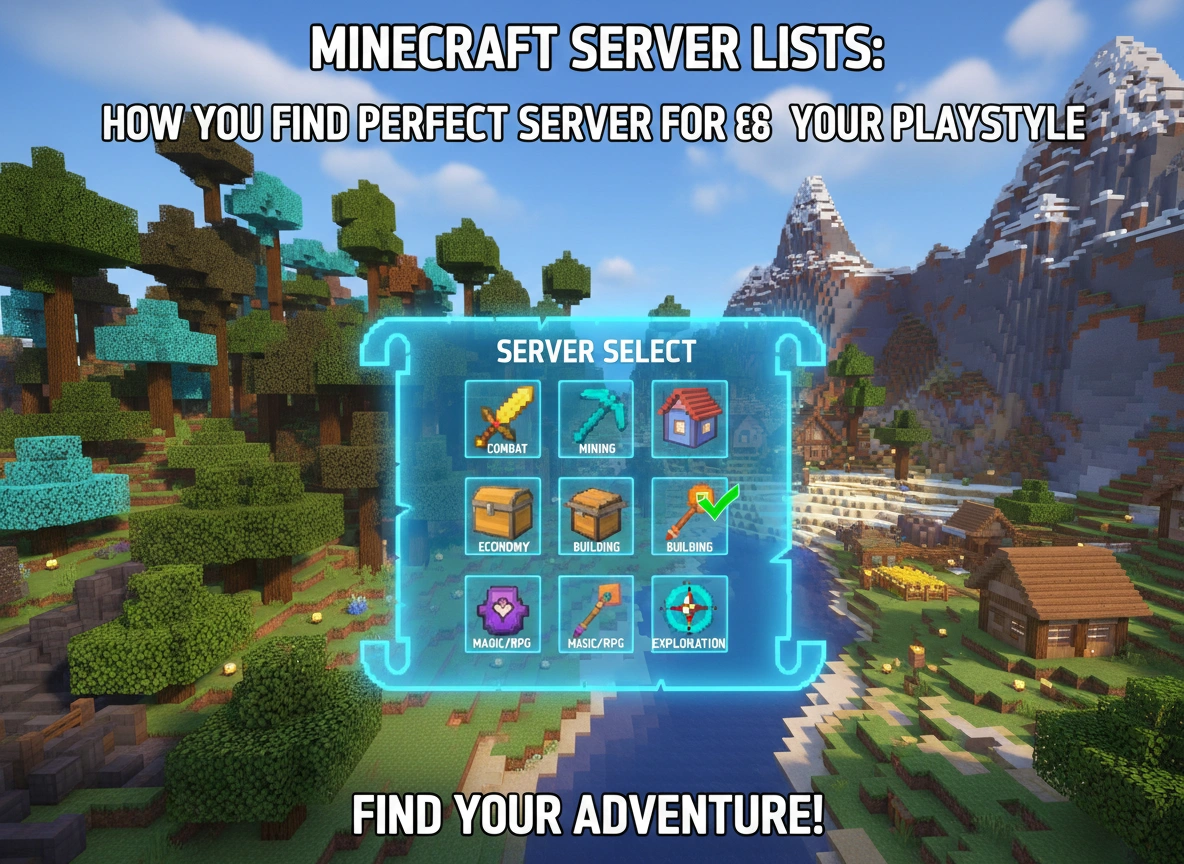
Minecraft offers a vast sandbox where imagination dictates the boundaries of play. While exploring a single-player world provides a distinct sense of peace and personal achievement, multiplayer servers transform the game into a dynamic, communal experience. Servers act as independent worlds hosted by other players or organizations, each operating under its own set of rules, modifications, and community standards. Choosing to join a server opens up entirely new avenues for collaboration, competition, and creativity.
However, with tens of thousands of active servers available, finding the right home for your block-building adventures can feel overwhelming. The sheer volume of choices makes it crucial to understand how to navigate the ecosystem effectively. This guide will explore how you can leverage Minecraft server lists to locate a server that perfectly aligns with your specific gaming preferences.
Understanding Minecraft Server Lists
Minecraft server lists are online directories designed to categorize, rank, and display active multiplayer servers. Think of them as search engines built specifically for the Minecraft community. Server administrators submit their worlds to these websites to attract new players, and the lists rank these servers based on various metrics, primarily player votes, total uptime, and current online population.
When you browse a server list, you will see a wealth of data for each entry. A typical listing includes the server name, a brief description, the IP address needed to connect, the game version it supports, and specific tags that identify the server’s primary game modes. These platforms simplify the search process by allowing you to filter results based on your exact requirements, ensuring you do not waste time logging into worlds that fail to meet your expectations.
Identifying Your Playstyle
Before you open a server list, you need to understand what you actually want to do in the game. Minecraft accommodates highly diverse player motivations, and servers tailor their environments to cater to these different playstyles.
Survival
Survival servers mimic the base game’s standard mode but add a communal layer. Players gather resources, build shelters, and fend off hostile mobs, often while establishing an economy or trading system with others. If you enjoy the classic progression of punching trees to eventually defeating the Ender Dragon while sharing the journey with neighbors, a survival server will suit you well.
Creative
For those who view Minecraft purely as a digital canvas, creative servers remove the constraints of health bars and material scarcity. Players receive infinite blocks and the ability to fly. These servers often feature massive plot systems where individuals claim designated areas to construct architectural marvels, redstone contraptions, or pixel art without the distraction of survival mechanics.
Player versus Player (PvP)
If you prefer combat and competition, PvP servers focus heavily on player conflicts. These range from fast-paced arena battles to long-term faction warfare, where groups of players build fortified bases and raid enemy territories. Faction servers require strategic planning, teamwork, and sharp combat skills.
Roleplay
Roleplaying servers immerse players in specific fictional settings. You might find yourself in a medieval kingdom, a sprawling futuristic metropolis, or a universe inspired by popular fantasy franchises. Participants create characters with detailed backgrounds and interact with others entirely in character. These communities heavily enforce roleplay rules and usually require an application process to join.
Minigames
Some players prefer short, structured bursts of entertainment over long-term projects. Minigame servers host custom-built game modes like BedWars, SkyWars, or Hide and Seek. These servers function like massive virtual arcades and typically feature high player counts and fast-paced matchmaking.
Key Features to Evaluate Before Joining
Once you pinpoint your preferred playstyle, use the server lists to evaluate specific features that define the quality of the server.
Community and Culture
A server is only as good as the people playing on it. Look for descriptions that highlight active moderation and a welcoming community. Many successful servers link to a dedicated Discord server from their listing. Joining their Discord before logging into the game allows you to gauge the community atmosphere, observe how staff handle disputes, and see if the general culture aligns with your personality.
Server Rules
Every well-managed server maintains a strict set of rules. Some communities enforce “griefing” policies, meaning they actively ban players who destroy others’ builds. Anarchy servers, on the other hand, boast a complete lack of rules, where deception and destruction are part of the core experience. Review the rules carefully to ensure you agree with the boundaries the administrators have set.
Mods and Plugins
Server administrators use modifications (mods) and plugins to alter the vanilla game mechanics. Plugins often add quality-of-life improvements like teleportation commands, land protection, or custom economies without requiring players to download anything. Mods, however, require you to install specific files on your own client. Take note of any required modpacks listed in the server description to ensure your computer can handle the technical requirements.
Server Performance and Uptime
A server with frequent lag or constant downtime will quickly ruin your experience. Server lists display uptime percentages. Aim for servers with at least a 98% uptime rating. Additionally, consider the physical location of the server host. A server hosted in your geographic region will typically provide a much smoother connection with lower latency.
Step-by-Step Guide: How to Use Server Lists
Navigating a server list requires a methodical approach. Follow these steps to find and join your ideal server:
- Visit a Reputable Server List: Open a trusted directory website in your browser.
- Apply Filters: Use the search tools to select your preferred game version and filter by your desired playstyle tags (e.g., “Survival,” “Economy,” “PvE”).
- Analyze the Results: Read the descriptions of the top results. Pay attention to the server’s unique selling points, rule summaries, and current player count.
- Copy the IP Address: Once you find a server that looks promising, highlight and copy its numerical or text-based IP address.
- Launch Minecraft: Open your game client, ensuring you select the correct version that matches the server requirements.
- Add the Server: Navigate to the “Multiplayer” menu, click “Add Server,” paste the IP address into the designated field, and give the server a recognizable name.
- Join and Explore: Click “Join Server.” Spend your first hour reading the spawn area rules and interacting with the community to determine if it feels like a good fit.
Top Server List Platforms and Playstyle Examples
Several well-established server lists help players connect with great communities. Platforms like Minecraft Server List, Planet Minecraft, and TopG maintain massive databases with robust filtering options.
When browsing these platforms, you will encounter diverse examples of server types. For a minigame enthusiast, you might find massive networks that host tens of thousands of concurrent players engaged in quick matches. A survival player might seek out smaller, tight-knit communities categorized under “Towny” or “Hermitcraft-like,” where 20 to 50 players collaborate on long-term infrastructure projects. Roleplayers will look for servers tagged with “Whitelist” and “Heavy RP,” ensuring a curated and dedicated player base.
Conclusion
Finding the right multiplayer environment fundamentally changes how you experience Minecraft. By understanding your own gaming preferences and effectively utilizing Minecraft server lists, you can bypass the frustration of trial and error. Take the time to filter your searches, evaluate community standards, and consider technical performance before committing to a new virtual home. With the right approach, you will discover a server that not only supports your playstyle but also introduces you to a community that enhances every block you place.