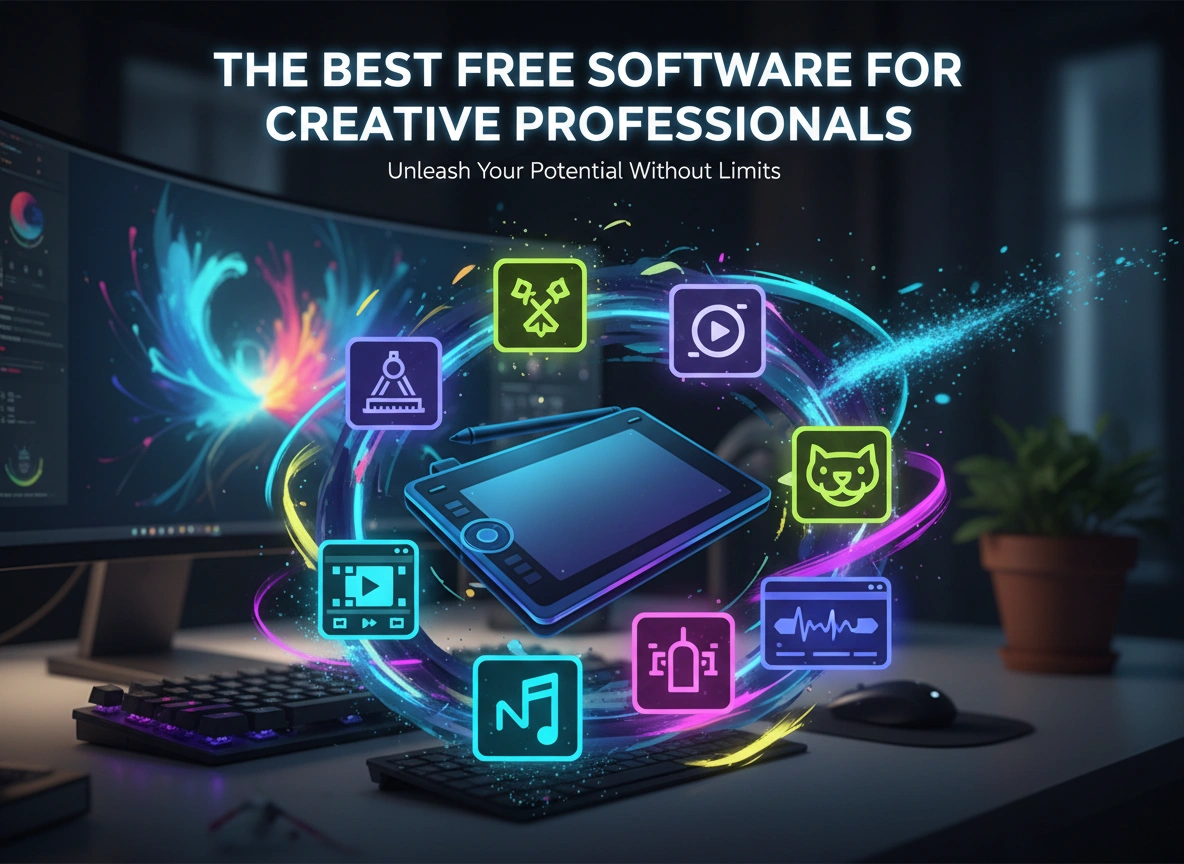
Unleashing creativity doesn’t have to come with a hefty price tag. While premium software suites dominate many industries, a powerful ecosystem of free tools offers professional-grade capabilities without the subscription fees. For independent artists, freelancers on a budget, or seasoned professionals looking to expand their toolkit, these free applications provide a viable and robust alternative. This guide explores the best free software available for creative professionals across various disciplines, from graphic design and video editing to 3D modeling and beyond.
We will break down top-tier options in each category, detailing the features that make them stand out. You will learn why these tools are not just “free versions” but powerful platforms capable of producing high-quality, commercial-grade work.
Graphic Design and Photo Editing
Visual communication is the cornerstone of modern branding and digital art. For designers and photographers, having access to versatile editing and creation tools is essential. The following programs offer extensive features that rival their paid counterparts.
GIMP (GNU Image Manipulation Program)
For years, GIMP has been the go-to free alternative to Adobe Photoshop. It is an open-source raster graphics editor used for image retouching, editing, free-form drawing, and converting between different image formats. Its cross-platform availability on macOS, Windows, and Linux makes it accessible to everyone.
GIMP provides a comprehensive suite of tools for advanced photo manipulation. You get layers, masks, channels, and a range of filters and effects. The software supports a wide variety of file formats, including PSD, allowing for collaboration with users of Adobe products. Its interface is highly customizable, so you can arrange docks and toolboxes to fit your specific workflow. While the learning curve can be steep for absolute beginners, a vast community and countless online tutorials make mastering GIMP an achievable goal for any dedicated professional.
Canva
While GIMP excels at detailed photo manipulation, Canva shines in the world of graphic design for marketing and social media. This browser-based platform simplifies the design process with an intuitive drag-and-drop interface. It is ideal for creating presentations, social media graphics, posters, and other visual content quickly and efficiently.
Canva’s free tier is remarkably generous, offering thousands of templates, a vast library of stock photos, icons, and fonts. It is built for speed, enabling professionals to produce polished designs in minutes. While it lacks the deep editing capabilities of a program like GIMP, its strength lies in its accessibility and ease of use, making it an indispensable tool for marketers, small business owners, and designers who need to produce content at a rapid pace.
Video Editing
The demand for high-quality video content has never been higher. Professional video editing once required expensive software and powerful hardware, but several free options have democratized the field, offering incredible power to creators everywhere.
DaVinci Resolve
DaVinci Resolve, developed by Blackmagic Design, is a true powerhouse. It started as a high-end color correction tool for Hollywood blockbusters and has since evolved into a full-featured, non-linear editing (NLE) suite. The free version of DaVinci Resolve is astoundingly capable, offering professional 8K editing, color correction, visual effects, and audio post-production in a single application.
Its interface is divided into “pages,” each dedicated to a specific task: a media page for organization, a cut page for fast editing, an edit page for traditional NLE work, a Fusion page for advanced VFX, a color page for its legendary color grading tools, and a Fairlight page for professional audio. The free version has very few limitations compared to the paid Studio version, making it arguably the most powerful free video editor available today.
Shotcut
For those who find DaVinci Resolve’s feature set overwhelming, Shotcut offers a more straightforward, user-friendly experience without sacrificing core functionality. It is a free, open-source, cross-platform video editor that supports hundreds of audio and video formats.
Shotcut provides a sleek, intuitive interface with drag-and-drop functionality for your media files. It supports 4K resolution and offers a good range of video and audio effects, transitions, and filters. Its timeline editing is robust, and it includes essential features like color correction, audio scopes, and keyframing. Shotcut strikes an excellent balance between usability and power, making it a fantastic choice for YouTubers, content creators, and professionals who need a reliable editor for less complex projects.
3D Modeling and Animation
From architectural visualization and product design to video game development and CGI, 3D modeling is a critical skill. The software in this space can be prohibitively expensive, but one open-source project stands tall as a global industry standard.
Blender
Blender is a free and open-source 3D creation suite that supports the entirety of the 3D pipeline. This includes modeling, rigging, animation, simulation, rendering, compositing, and motion tracking. It even features a built-in video editor. Its capabilities are so extensive that it is used by independent artists and major studios alike for creating feature films, visual effects, and video games.
The learning curve for Blender is notoriously steep, but its power is undeniable. Its modeling toolkit is vast, allowing for everything from precise hard-surface modeling to organic digital sculpting. The built-in rendering engines, Cycles and Eevee, produce stunning, photorealistic results. The global community behind Blender is one of its greatest assets, providing an endless supply of tutorials, plugins, and support. For any creative professional serious about 3D, Blender is an essential, cost-free tool.
Audio Production and Music Creation
Clear, professional audio can make or break a creative project, whether it’s a podcast, a film, or a music track. The following tools provide everything you need to record, edit, and produce high-fidelity sound.
Audacity
Audacity is a free, open-source, and cross-platform digital audio editor and recorder. For decades, it has been the standard for podcasters, musicians, and audio engineers looking for a simple yet effective tool. You can use it to record live audio, digitize recordings from other media, and edit various sound files.
Its feature set includes multi-track recording and editing, a wide range of built-in effects like noise reduction and equalization, and support for numerous plugins (LADSPA, LV2, VST). While its interface may seem dated compared to modern digital audio workstations (DAWs), its functionality is solid. Audacity is perfect for editing voice-overs, cleaning up interview audio, and performing basic music production tasks.
Writing and Document Creation
Behind every great creative project is a well-written plan, script, or proposal. A reliable word processor is a non-negotiable tool for any professional.
LibreOffice
LibreOffice is a powerful and free office suite, and its “Writer” application is an excellent alternative to Microsoft Word. Developed by The Document Foundation, this open-source software provides a clean interface and a professional feature set for document creation.
LibreOffice Writer handles everything from simple memos to complex books with tables of contents, embedded illustrations, and bibliographies. It offers extensive control over formatting and styles, ensuring your documents look polished and professional. Crucially, it has excellent compatibility with Microsoft Office file formats, allowing you to open, edit, and save documents in .docx or .doc format seamlessly. For writers, marketers, and project managers, LibreOffice provides a stable, free, and fully capable solution for all their writing needs.
Conclusion: Empower Your Creativity for Free
The tools highlighted here represent the pinnacle of free software for creative professionals. They prove that you do not need an expensive subscription to produce world-class work. GIMP and Canva cover all your graphic design needs, DaVinci Resolve provides Hollywood-grade video editing, Blender is an all-in-one 3D powerhouse, Audacity handles your audio with precision, and LibreOffice ensures your written documents are professional.
The best next step is to download one of these programs and start experimenting. The vibrant communities and wealth of online tutorials available for each make the learning process accessible. By incorporating these tools into your workflow, you can lower your overhead, expand your skills, and unlock new creative possibilities without spending a dime.
Please click here for more info.